
Android Makes It Easier to Transfer Passwords and Passkeys Between Password Managers
Managing dozens of long, complex passwords can be challenging. With websites and apps increasingly requiring stronger combinations of numbers, letters, and special characters, relying on memory alone is no longer practical. That’s why password managers have become an essential tool for keeping login credentials organized and secure.
But switching from one password manager to another has traditionally been a hassle. Users often have to export their credentials, create files containing sensitive information, and then import those files into a new service. Android is now making that process considerably easier.
Transfer Passwords Directly Between Apps
Google has introduced a new Android login transfer system designed to make moving credentials between password managers faster and more convenient. Instead of manually entering every login, the process can be completed directly on your Android phone.
To get started, both the password manager you’re moving from and the new password manager should be installed on your device, with your credentials properly synced.
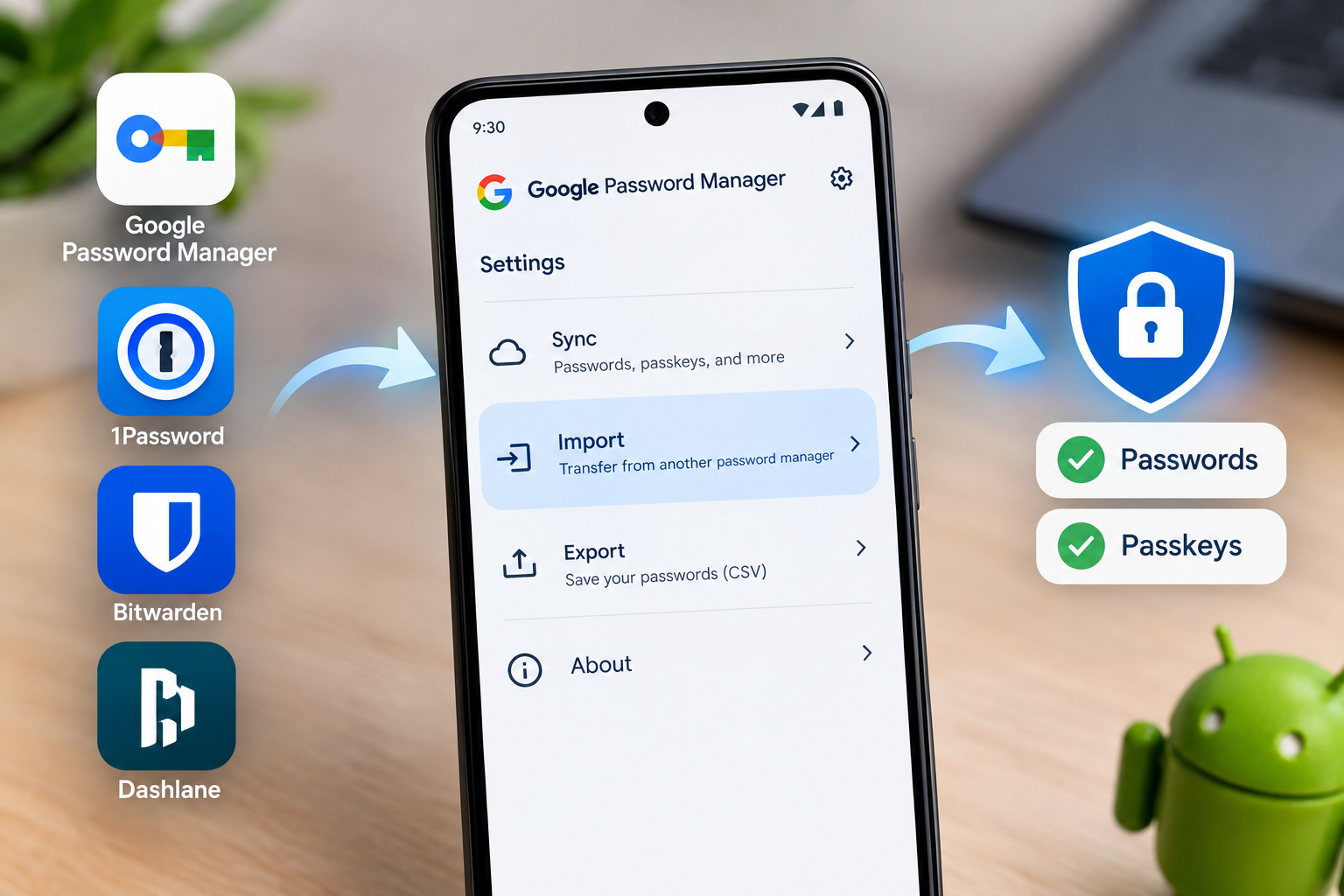
You’ll then need to locate the Import option inside the password manager you want to switch to. The exact location can vary depending on the app. In Google Password Manager, which is built into Android, the option can be found near the top of the settings section.
A Safer Alternative to Traditional Password Exports
The new migration system is particularly useful because it avoids some of the security concerns associated with traditional password exports.
Previously, exporting passwords typically meant creating a CSV file containing your credentials. These files are generally unencrypted, meaning anyone who gains access to the file could potentially see your passwords.
Google’s new Android migration process is designed to move credentials directly between supported password managers instead of requiring users to create a potentially dangerous plain-text file.
The traditional export option is still available, but it continues to generate an unencrypted CSV file that can be imported into compatible password management apps.
Passwords and Passkeys Can Be Transferred
The Android migration system isn't limited to conventional passwords. It can also transfer passkeys, giving users a way to move both types of credentials when switching password managers.
Once the migration is initiated, Android verifies your identity and asks you to confirm the transfer through your new password manager. After confirmation, the system handles the credential transfer without requiring you to manually copy individual login details.
At launch, the migration feature supports several popular password managers, including Google Password Manager, 1Password, Bitwarden, and Dashlane.
Switching Password Managers Is Now Easier
For people with hundreds of saved credentials, moving to a new password manager can be a daunting task. Android's built-in migration system removes much of that friction by allowing passwords and passkeys to be transferred directly between supported apps.
The process is also designed to be quick, even for users with large password collections. More importantly, avoiding unnecessary unencrypted files can make the transition safer and more convenient.
As password managers and passkeys become an increasingly important part of online security, easier credential migration could make it much simpler for Android users to switch services without the usual hassle.