
When Apple relied on Intel processors and AMD graphics, the idea of an expandable and upgradeable Mac tower made a lot of sense. Users could potentially upgrade components as their performance needs increased.
Apple Silicon changed that approach completely. By bringing the CPU, GPU, and memory architecture together into a unified system, Apple created a platform where traditional component upgrades are no longer practical. While this limits future hardware expansion, it also allows Apple Silicon chips to deliver impressive performance and efficiency through tightly integrated hardware.
That combination is particularly interesting for modern professional workloads. The fast CPU, powerful GPU, and unified memory architecture found in Apple Silicon systems make them well suited to demanding applications, including local artificial intelligence development, large language models, software development, content creation, and advanced design work.
Mac Studio M5 Ultra Targets Local AI Users
The new Mac Studio with the M5 Ultra represents the highest performance configuration in Apple's compact desktop lineup. Apple has moved directly from the M3 Ultra generation to the M5 Ultra, with no M4 Ultra version in between.
Historically, the most powerful Mac Studio configurations have been difficult to justify for everyday users. For professionals working with demanding applications, however, the situation is changing.
A growing group of developers, researchers, designers, and AI enthusiasts are running language models and AI agents directly on their computers. For these users, having large amounts of unified memory and substantial processing power can make a major difference.
Applications such as OpenClaw and locally hosted open weight AI models have helped increase interest in high performance desktop hardware. The combination of growing demand for local AI computing and broader pressure on memory supplies has also contributed to limited availability of some high end systems.
The new Mac Studio arrives in this changing environment, where a powerful desktop is increasingly being used as a personal AI workstation rather than simply a traditional creative professional computer.
Familiar Mac Studio Design
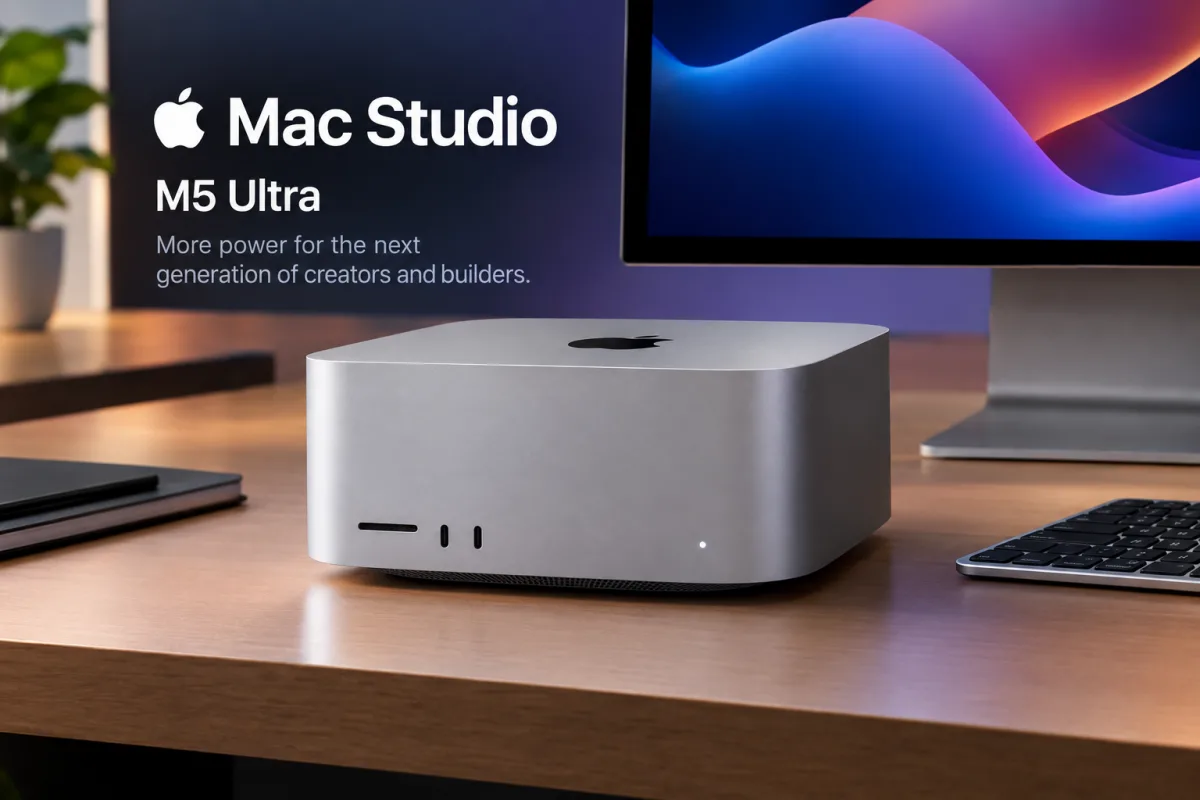
Despite the major changes inside, the Mac Studio itself retains the familiar design Apple introduced with the original Mac Studio in 2022.
The desktop remains a compact and relatively short aluminum enclosure. It uses the same footprint as the older Mac mini, measuring approximately 7.7 inches by 7.7 inches, although the Mac Studio is significantly taller.
Both the M5 Max and M5 Ultra versions share the same overall external design. The M5 Ultra model is heavier, weighing about two pounds more than the Max configuration.
The additional weight is related to the cooling system. Apple uses heavier copper components in the M5 Ultra heatsink because the more powerful processor generates more heat and requires a more capable thermal solution.
Mac Studio M5 Ultra Ports and Connectivity
Apple has retained a broad selection of ports on the latest Mac Studio, making it suitable for professional desks with multiple displays, storage devices, networking equipment, cameras, and other accessories.
On the rear of both models, users get four Thunderbolt 5 ports capable of up to 120Gbps, a 10Gbps Ethernet connection, an HDMI 2.1 port, and two USB A ports capable of up to 5Gbps.
The front of both models includes a UHS II SD card reader, which is particularly useful for photographers, videographers, and other content creators who frequently transfer large media files.
The M5 Max version also includes two USB C ports on the front with speeds of up to 10Gbps.
The M5 Ultra goes further by replacing those front USB C connections with two additional Thunderbolt 5 ports capable of up to 120Gbps.